Step Plans
Time to
step up your
steps plans
Streamline your processes, leave the frustrations of PowerPoint behind and elevate your client advice
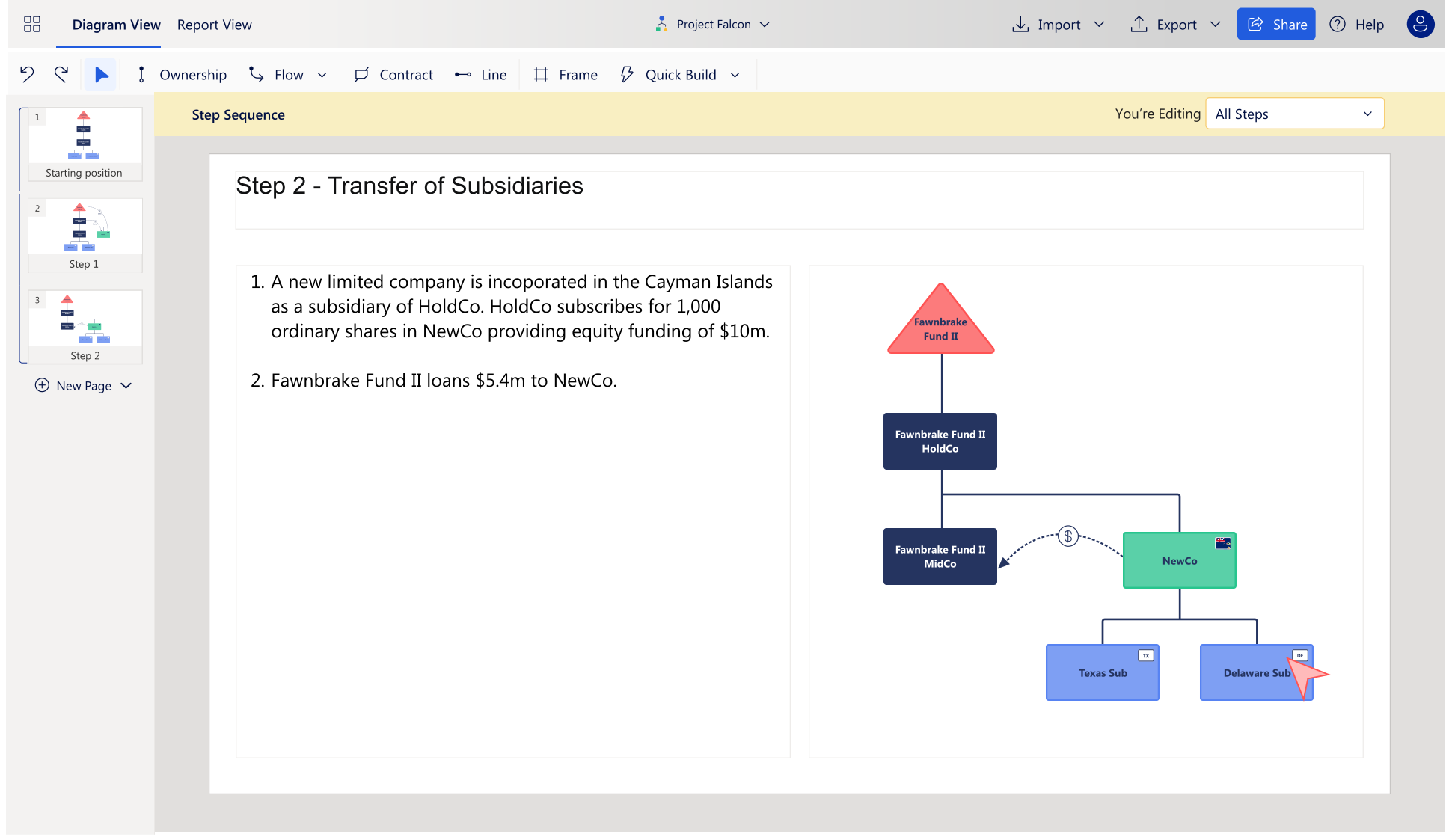
Transform your workflows with StructureFlow’s visual modelling capabilities


FAQs
Here are answers to some of the most frequently asked questions about StructureFlow.
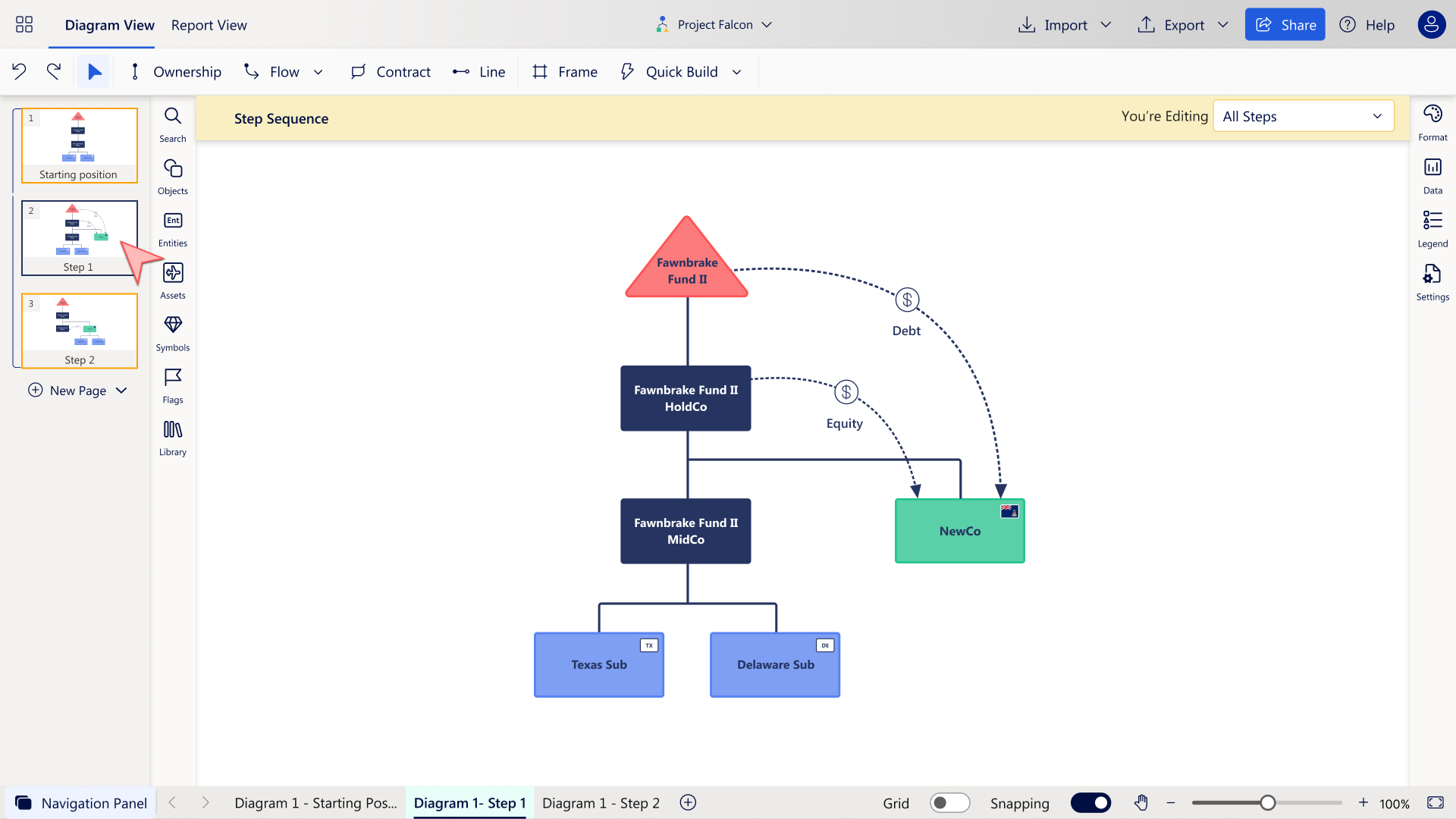
Yes – if you create a sequence of charts for a steps plan, StructureFlow will position every element of the chart in the same place on each step, ensuring the perfect ‘flipbook’ effect.
Yes. We support working in close conjunction with PowerPoint to produce stunning final reports benefiting from the rapid diagramming within StructureFlow and the best of the presentation elements of PowerPoint.
Our software is designed to handle complex transactions without any lag, allowing you to create detailed structure charts and step plans rapidly.
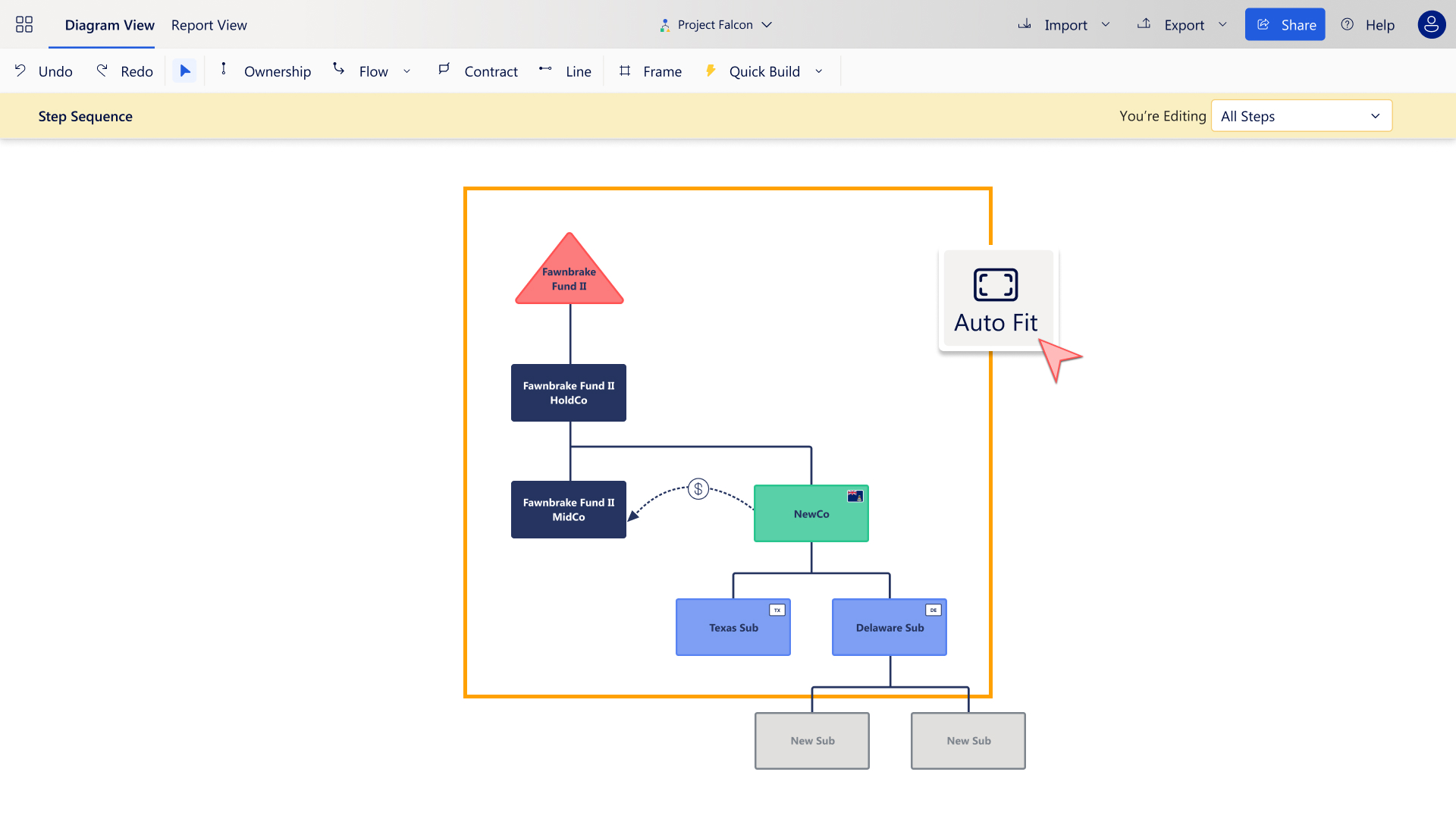
The software uses automated page layouts to fit chart and text content to the page, ensuring every step is presented perfectly without manual adjustments.