Timelines
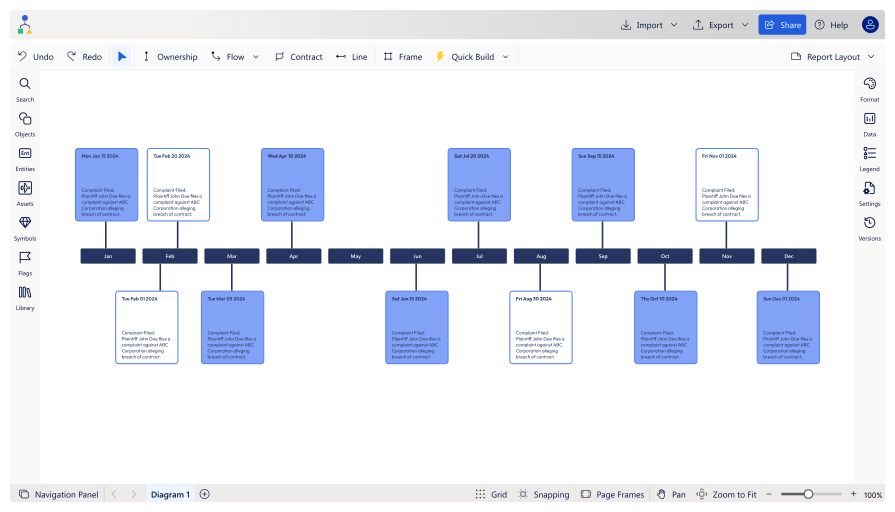
Dynamic, automated timelines that bring clarity to your case
Visualize key events and facts effortlessly with StructureFlow's advanced, AI-powered feature set
Transform your workflows with StructureFlow’s visual modelling capabilities


FAQs
Here are answers to some of the most frequently asked questions about StructureFlow.
The timeline feature visualizes key dates and events in a case, using AI to extract this information from documents for fast analysis without the limitations of traditional tools like PowerPoint or Visio. You can use various types of legal documents that contain key dates and events to generate timelines.
Yes, you can import tables of dates and events, and embed links and key documents directly into the timeline for quick access allowing you to streamline your case preparation.
You can share projects with colleagues or clients to work collaboratively and ensure everyone understands the case details.